


Industrial Automation Troubleshooting
Industrial Automation Troubleshooting: A Practical Guide for Engineers
Industrial automation systems are designed to control machines, processes, motors, sensors, valves, and production equipment with precision. But even a well-designed automation system can eventually develop a fault.
A motor may not start.
A sensor may stop sending a signal.
A PLC input may not change state.
An HMI may display an unexpected alarm.
A VFD may trip.
A SCADA system may lose communication.
This is where industrial automation troubleshooting becomes an essential engineering skill.
Troubleshooting is not simply finding a component that has failed. It is the ability to understand how the complete system works, identify where the problem occurs, test the relevant components, and determine the actual cause of the fault.
For electrical engineers, automation engineers, maintenance engineers, technicians, engineering students, and fresh graduates, developing this skill can make a significant difference when working with real industrial equipment.
What Is Industrial Automation Troubleshooting?
Industrial automation troubleshooting is the systematic process of identifying, testing, and correcting faults in an automated industrial system.
An automation system may contain:
- Electrical power and control circuits
- Sensors and field devices
- Relays and contactors
- PLCs
- HMI systems
- SCADA
- VFDs and motor drives
- Industrial communication networks
- Control panels
- Instrumentation
- Motors, valves, and actuators
A fault in one part of the system can affect several other components.
For example, a motor that does not start does not necessarily mean that the motor itself is defective.
The problem could be:
- A missing control voltage
- A faulty push button
- An activated overload
- A PLC input problem
- Incorrect PLC logic
- A missing PLC output
- A faulty contactor
- A VFD fault
- An interlock condition
- A communication problem
The objective of troubleshooting is therefore to find the actual cause rather than simply replacing components.
Why Troubleshooting Skills Matter in Industrial Automation
Industrial automation combines electrical systems, control logic, instrumentation, software, and mechanical equipment.
Because these systems are interconnected, troubleshooting requires more than knowledge of one technology.
An engineer may need to understand:
Electrical circuits → PLC I/O → Control logic → HMI → VFD → Motor
Or in a process application:
Sensor → Transmitter → PLC → Control Logic → Valve → Process
Understanding these relationships makes it easier to determine where a fault could have occurred.
Soulintec Learning Hub’s practical PLC training, for example, includes PLC diagnostics and troubleshooting, while its SCADA training includes testing and troubleshooting of industrial SCADA applications.
A Step-by-Step Industrial Troubleshooting Method
A structured troubleshooting process is usually more effective than randomly testing components.
Step 1: Understand the Problem
Start by defining exactly what is not working.
Do not begin by replacing components.
Ask:
- What should the system be doing?
- What is it actually doing?
- When did the problem start?
- Is the problem continuous or intermittent?
- Did anything change before the fault occurred?
- Is the problem affecting one device or the entire system?
For example:
“The motor does not start.”
This description is not enough.
A better description would be:
“The motor does not start from the HMI, but the local control button works.”
This immediately narrows the possible causes.
Step 2: Check the Power Supply
Before investigating PLC logic or software, verify the electrical fundamentals.
Check:
- Main power
- Control voltage
- Circuit breakers
- Fuses
- Power supplies
- Emergency stop circuits
- Overload protection
- Control transformers where applicable
A PLC cannot control a system correctly if the required power is missing.
Basic electrical troubleshooting should therefore remain an important part of automation engineering.
Step 3: Check the Physical Devices
Next, inspect the physical components involved in the process.
Depending on the application, these could include:

- Push buttons
- Proximity sensors
- Photoelectric sensors
- Limit switches
- Pressure transmitters
- Temperature sensors
- Solenoid valves
- Contactors
- Relays
- Motors
- VFDs
Look for obvious problems such as loose connections, damaged wiring, incorrect positioning, contamination, overheating, or mechanical obstruction.
Step 4: Check PLC Inputs
If the system uses a PLC, determine whether the controller is receiving the expected input signal.
For example, if a proximity sensor detects a machine position, the corresponding PLC input should change state.
If the sensor is physically active but the PLC input does not change, investigate the signal path.
The fault could be related to:
- Sensor power
- Sensor wiring
- Terminal connections
- Input module
- Incorrect input addressing
- Configuration
- Damaged field wiring
This is why understanding PLC I/O wiring is important for troubleshooting.
Soulintec’s industrial wiring training covers PLC I/O wiring, tracing circuits from drawings to field devices, testing, and troubleshooting.
Step 5: Check the PLC Logic
If the input is reaching the PLC correctly, the next question is:
Is the PLC program allowing the output to activate?
Check:
- Input conditions
- Interlocks
- Permissive conditions
- Timers
- Counters
- Internal memory
- Sequence logic
- Alarm conditions
- Manual/automatic mode
- Emergency conditions
For example, an output may not activate because another condition in the program has not been satisfied.
This is one of the reasons PLC troubleshooting requires both hardware and programming knowledge.
Step 6: Check PLC Outputs
If the PLC logic indicates that an output should be active, verify whether the physical output is actually switching.
If the program commands an output but the connected device does not operate, investigate:
- PLC output status
- Output module
- Wiring
- Relay interfaces
- Contactors
- Solenoid coils
- Control voltage
This allows you to separate a software problem from a hardware problem.
Step 7: Check the Final Actuator
The final device may be a:
- Motor
- Valve
- Solenoid
- Contactor
- Cylinder
- Drive
If the control signal is correct but the actuator does not respond, the problem may exist at the actuator or its power circuit.
This is where a system-level understanding becomes extremely useful.
Troubleshooting Sensors and Field Devices
Sensors are among the most important sources of information in an automation system.
A PLC can only make decisions based on the signals it receives.
Common field-device problems include:

- Incorrect wiring
- Loss of power
- Incorrect sensor position
- Damaged sensor
- Incorrect configuration
- Signal interference
- Wrong measurement range
- Poor connections
For analog instrumentation, additional problems can occur with signal levels such as 4–20 mA or voltage signals.
A troubleshooting engineer should be able to determine whether the problem originates from:
Sensor → Wiring → Signal → PLC Input → Program
rather than immediately assuming that the PLC is defective.
Instrumentation knowledge is especially useful in process industries. Soulintec’s Instrument Calibration course covers pressure, temperature, level, and flow calibration, loop checking, functional testing, and troubleshooting field instruments.
Troubleshooting VFD and Motor Problems
Variable Frequency Drives are widely used for motor control.
When a motor controlled by a VFD does not operate, possible causes include:
- VFD fault
- Missing power
- Incorrect motor parameters
- Enable signal missing
- Incorrect speed reference
- PLC command missing
- Communication failure
- Motor problem
- Mechanical overload
A useful troubleshooting approach is to separate the problem into three areas:
Control command → VFD → Motor
First determine whether the VFD is receiving the correct command.
Then check whether the drive is healthy and properly configured.
Finally, investigate the motor and mechanical load.
Troubleshooting HMI Problems
An HMI provides the operator with information about the machine and allows interaction with the control system.
Typical HMI problems include:
- Incorrect tag configuration
- Communication failure
- Wrong PLC address
- Incorrect screen logic
- Missing data
- Alarm configuration problems
- Network problems
If an HMI button does not start a motor, do not immediately assume that the HMI is faulty.
Follow the complete signal path:
HMI command → Communication → PLC tag → PLC logic → PLC output → Field device
This approach helps isolate the actual fault.
Troubleshooting SCADA Communication
SCADA systems can introduce another layer of troubleshooting.
A communication problem may involve:
- Network connection
- PLC communication
- Industrial protocol configuration
- Incorrect device address
- Incorrect tags
- Communication driver
- Network hardware
- Software configuration
A useful troubleshooting sequence is:
SCADA → Network → PLC → Field system
The exact diagnostic procedure depends on the architecture and communication technology being used.
Soulintec’s SCADA training includes PLC-SCADA integration, industrial networking basics, testing, and troubleshooting.
How to Use Electrical Drawings During Troubleshooting
Electrical drawings are not just documents used during panel construction.
They are powerful troubleshooting tools.
An engineer should be able to identify:
- Power circuits
- Control circuits
- Terminal blocks
- Contactors
- Relays
- PLC inputs
- PLC outputs
- Sensors
- Actuators
- Interconnections
For example, if a PLC output is active but a contactor does not energize, tracing the circuit from the PLC output through the terminals and relay/interface components can help identify exactly where the signal is being lost.
This is one reason practical wiring knowledge complements PLC programming skills.
Common Troubleshooting Mistakes
Replacing components without testing
Replacing a PLC, sensor, relay, or VFD without identifying the cause can waste time and money.
Test first.
Looking only at the software
Not every automation problem is a programming problem.
The fault may be electrical, mechanical, instrumental, or related to communication.
Looking only at the hardware
The opposite is also true.
A perfectly healthy motor and sensor cannot solve incorrect PLC logic.
Ignoring documentation
Electrical drawings, PLC programs, I/O lists, manuals, and equipment documentation can dramatically reduce troubleshooting time.
Changing multiple things at once
If several components or parameters are changed simultaneously, it becomes difficult to know which change solved the problem.
A controlled troubleshooting process is more reliable.
The Most Important Troubleshooting Skill: Think in Systems
One of the most valuable habits for an automation engineer is learning to think about the complete signal path.
For example:
Sensor
↓
Electrical Signal
↓
PLC Input
↓
PLC Program
↓
PLC Output
↓
Relay / Contactor / VFD
↓
Motor or Actuator
↓
Machine Response
When something goes wrong, identify where the expected signal disappears.
This turns troubleshooting from guesswork into a logical process.
How to Develop Industrial Automation Troubleshooting Skills
The best way to develop troubleshooting ability is to combine knowledge with repeated practical exercises.
A useful learning path is:
- Electrical fundamentals
- Classic Control
- Industrial Wiring
- Control Panel Building
- PLC Programming
- HMI and SCADA
- Instrumentation
- VFDs and motor control
- Industrial communication
- Practical fault-finding exercises
The important part is not simply studying each subject separately.
You should understand how they interact inside a complete industrial system.
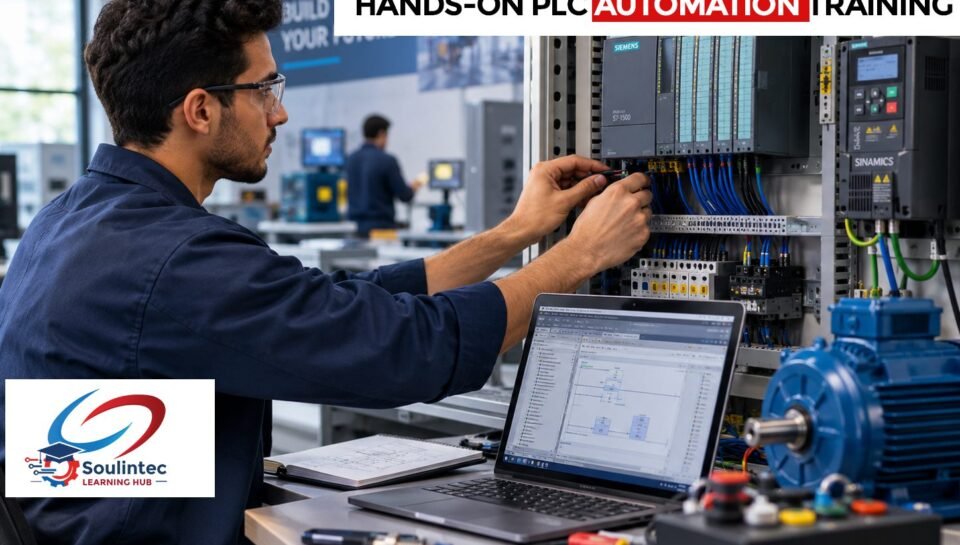
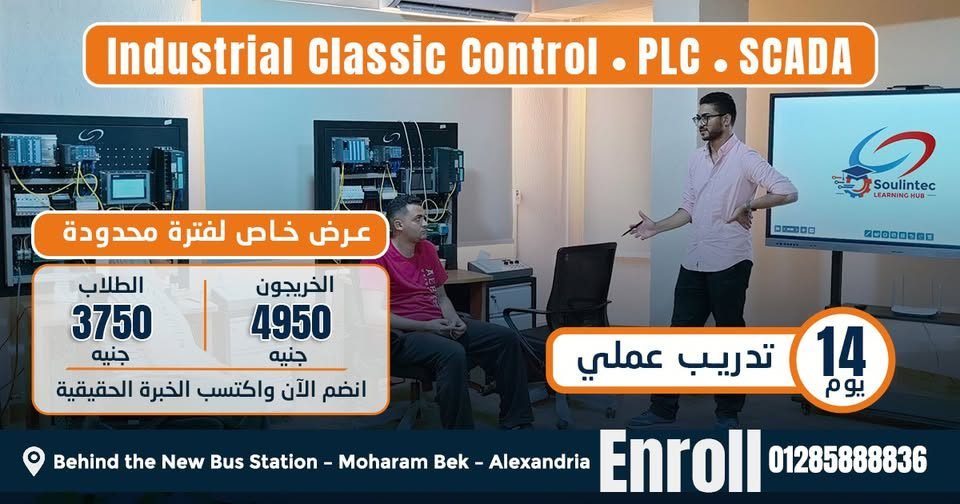
Soulintec Learning Hub follows a practical training approach covering PLC, SCADA, Classic Control, Industrial Wiring, Panel Building, Instrumentation, and related automation skills. The training model emphasizes hands-on work with industrial equipment and practical applications.
Why Hands-On Practice Matters
Troubleshooting is difficult to learn from theory alone.
A real troubleshooting exercise forces you to answer questions such as:
- Why is this input OFF?
- Where did the signal disappear?
- Why is this output not activating?
- Is the problem electrical or software-related?
- Is the sensor working correctly?
- Is the PLC receiving the signal?
- Is an interlock preventing operation?
- Is the VFD receiving the correct command?
- Is the communication link working?
These are practical questions that engineers encounter when dealing with real automation systems.
For this reason, hands-on training can help students and fresh graduates connect theoretical knowledge with actual industrial equipment.
Industrial Automation Troubleshooting: A Practical Example
Consider a simple motor control system.
The operator presses START from an HMI, but the motor does not run.
A systematic investigation could look like this:
1. HMI:
Is the START command being generated?
2. Communication:
Is the command reaching the PLC?
3. PLC:
Is the PLC receiving the command?
4. Interlocks:
Is any safety or process condition preventing the motor from starting?
5. PLC Output:
Does the PLC activate the motor command?
6. VFD or Contactor:
Does the drive or contactor receive the command?
7. Motor:
Does the motor receive the required power?
8. Mechanical System:
Is there a mechanical problem preventing operation?
Instead of replacing the motor immediately, the engineer follows the signal path until the fault is isolated.
That is the essence of effective automation troubleshooting.
What Should an Automation Engineer Be Able to Troubleshoot?
A well-rounded automation professional should gradually become comfortable troubleshooting:
- Electrical control circuits
- Sensors
- PLC inputs and outputs
- PLC programs
- HMI systems
- SCADA systems
- VFDs
- Motors
- Industrial wiring
- Control panels
- Instrumentation
- Industrial communication
No engineer becomes an expert in every system overnight.
The important step is developing a structured troubleshooting mindset and continuously expanding practical knowledge.
Final Thoughts
Industrial automation troubleshooting is one of the skills that connects engineering knowledge with real industrial work.
Knowing how to program a PLC is important.
Understanding SCADA is important.
Knowing electrical wiring and instrumentation is important.
But the ability to bring all these areas together and systematically find a fault is what makes automation knowledge truly practical.
The goal is not simply to know what each component does.
The goal is to understand how the complete system works — and what to check when it does not.
For students, fresh graduates, technicians, and engineers who want to build practical automation skills, hands-on experience with real industrial systems can provide an important bridge between theory and industrial applications.
Explore Soulintec Learning Hub’s practical training programs in:
- PLC Programming
- Classic Control
- Industrial Wiring
- Control Panel Building
- SCADA Systems
- Instrument Calibration
- AI & Automation Data Analytics
Train on real systems. Understand the signals. Find the fault. Build the experience.
Frequently Asked Questions
What is industrial automation troubleshooting?
Industrial automation troubleshooting is the systematic process of identifying and correcting faults in automated systems involving electrical controls, PLCs, sensors, drives, HMI, SCADA, instrumentation, and other industrial equipment.
What should I learn before PLC troubleshooting?
A basic understanding of electrical circuits, control systems, sensors, industrial wiring, and PLC fundamentals will make PLC troubleshooting much easier.
Can an automation engineer troubleshoot electrical problems?
Automation engineers often need to understand electrical control circuits, PLC I/O, sensors, actuators, control panels, and motor control. The exact responsibilities depend on the industrial role and workplace.
How do I troubleshoot a PLC input?
Start by checking the field device, its power supply, wiring, terminal connections, and signal. Then verify whether the PLC input changes state and confirm that the correct input address is being used.
Why is my PLC output not activating?
Possible causes include incorrect PLC logic, missing input conditions, interlocks, incorrect program addressing, configuration issues, or an output/hardware problem. A systematic check of the program and physical circuit is required.
How do you troubleshoot an HMI communication problem?
Check the physical network, communication configuration, device address, PLC connection, tags, and communication status. Then determine whether the problem is in the network, PLC, HMI configuration, or software.
Is troubleshooting important for automation engineers?
Yes. Automation systems combine electrical hardware, software, control logic, instrumentation, and communication. Troubleshooting skills help engineers identify faults across these interconnected systems.
Where can I learn practical industrial automation skills in Egypt?
Soulintec Learning Hub provides hands-on training in PLC, SCADA, Classic Control, Industrial Wiring, Panel Building, Instrumentation, and related industrial automation skills in Egypt.
Start Building Practical Automation Skills
If you want to move beyond theoretical knowledge and understand how industrial automation systems actually work, practical training is an important part of the learning process.
Soulintec Learning Hub focuses on hands-on industrial training using practical equipment and training systems for students, fresh graduates, engineers, and technicians.
Real Labs. Real Equipment. Real Experience.
Industrial automation training is available through specialized engineering training centers and industrial training laboratories in Egypt. When choosing a program, consider the practical equipment, curriculum, instructor experience, and amount of hands-on training provided.
Explore the available courses and training programs at:
Don’t wait until your first job to start learning how industrial automation works.
Start building the practical skills now, so when the opportunity comes, you are ready for it.