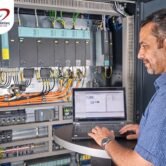



Siemens TIA Portal Tutorial for Beginners
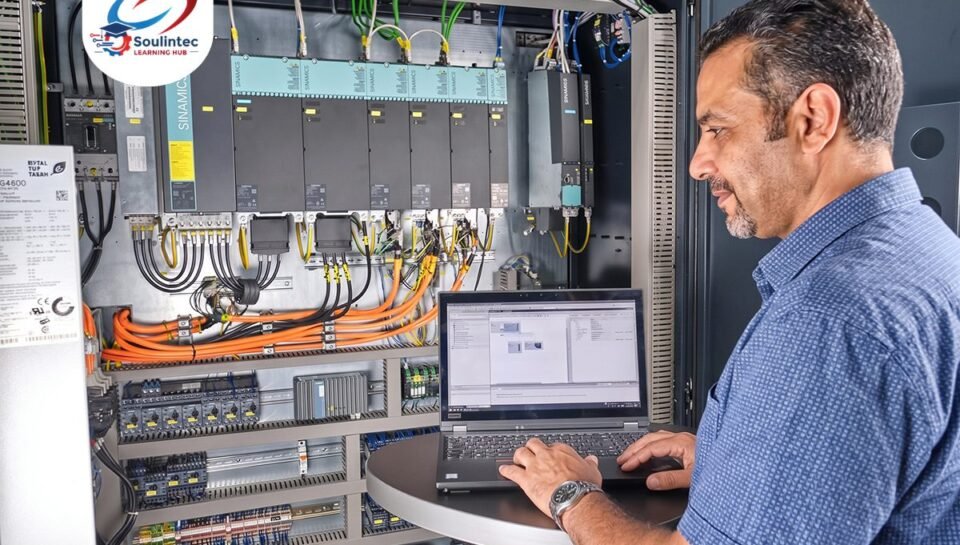
Siemens TIA Portal Tutorial for Beginners: From First Program to PLC Control
Siemens TIA Portal is one of the essential engineering tools for configuring, programming, testing, and diagnosing Siemens PLC systems. For electrical engineers, mechatronics students, technicians, and aspiring automation engineers, learning TIA Portal is an important step toward developing practical industrial automation skills.
This beginner-friendly guide explains how to start a PLC project, configure hardware, write your first Ladder Logic program, test its operation, and understand the connection between PLC software and real industrial equipment.
1. What Is Siemens TIA Portal?
Totally Integrated Automation Portal (TIA Portal) is Siemens engineering software that provides an integrated environment for working with compatible automation devices, including SIMATIC PLCs and HMI systems.
Using the appropriate TIA Portal version and license, engineers can configure PLC hardware, develop control programs, monitor signals, diagnose faults, and prepare automation systems for commissioning.
TIA Portal supports several engineering tasks, including:
- PLC hardware configuration and device setup.
- Ladder Logic (LAD) and Function Block Diagram (FBD) programming.
- Digital and analog input/output configuration.
- Online monitoring and program diagnostics.
- PLC and HMI integration.
- Testing, troubleshooting, and commissioning support.
2. What Do You Need Before Starting?
Before creating your first PLC project, prepare the essential software, hardware, and technical knowledge.
| Requirement | Purpose |
|---|---|
| TIA Portal | PLC configuration and programming environment. |
| Compatible Siemens PLC | For example, an S7-1200 or S7-1500 CPU supported by your software version. |
| Computer | To install and operate the engineering software. |
| Basic electrical knowledge | Understanding control circuits, sensors, switches, and actuators. |
| PLC programming fundamentals | Understanding inputs, outputs, logic conditions, and program execution. |
| Simulation or training hardware | To test program behavior before applying it to physical equipment. |
Check Siemens’ compatibility requirements before installing the software. Supported CPUs, firmware versions, software editions, and available functions depend on the specific TIA Portal release.
3. How to Create Your First TIA Portal Project
A typical beginner workflow consists of the following steps.
Step 1: Create a New Project
Open TIA Portal, select the option to create a new project, enter a project name, and choose the appropriate project location.
A clear project structure makes it easier to organize, maintain, and troubleshoot automation applications.
Step 2: Add and Configure the PLC
Add the compatible PLC CPU to your project. Select the correct device model and hardware configuration, including any required signal modules.
Accurate hardware selection is important because the PLC model, firmware, and configured I/O modules must match the intended system.
Step 3: Create the PLC Program
Open the appropriate program block and select a supported programming language, such as Ladder Logic (LAD).
Beginners often start with simple Boolean logic, then progress to timers, counters, interlocks, motor control, and sequential operations.
Step 4: Compile and Check the Program
Compile the project to identify configuration and programming errors. Review any reported issues and correct them before proceeding to testing.
Step 5: Test the Program
Depending on your setup, you can use a supported PLC simulation environment or connect to compatible physical hardware. Monitor the logic and verify that the outputs respond correctly to the input conditions.
4. Your First PLC Program: Start and Stop Logic
Consider a simple application in which a Start push button activates a motor command, while a Stop push button deactivates it.
For this example, assume the Start signal is represented by Start_PB, the Stop circuit is represented by a healthy-state signal named Stop_OK, and the output command is represented by Motor_Command.
| PLC Tag | Type | Function |
|---|---|---|
| Start_PB | BOOL | Indicates that the Start command is active. |
| Stop_OK | BOOL | Indicates that the Stop circuit is in its healthy state. |
| Motor_Command | BOOL | Represents the motor control output command. |
The basic control condition can be expressed as:
Motor_Command = Start_PB AND Stop_OK
In Ladder Logic, this corresponds to two normally open logical contacts in series controlling an output coil. The physical wiring and actual Stop circuit design must be considered separately.
Important: This is a basic logic example, not a complete motor starter circuit. A maintained motor run command typically requires a seal-in circuit or an appropriate set/reset arrangement. Real motor control must also account for overload protection, electrical interlocking where required, and the applicable safety requirements. Standard PLC logic alone should not replace a properly designed safety system.
5. Understanding PLC Inputs, Outputs, and Tags
PLC inputs receive information from field devices, while PLC outputs send control commands to connected equipment.
- Digital inputs: Push buttons, limit switches, and proximity sensors.
- Digital outputs: Contactor control interfaces, indicator lamps, and solenoid valve commands.
- Analog inputs: Compatible pressure, temperature, level, and flow transmitter signals.
- Analog outputs: Control signals for compatible drives, valves, and other actuators.
In TIA Portal, symbolic tags make programs easier to read and maintain. Instead of relying only on absolute addresses, engineers can use meaningful names that describe each signal’s function.
Correct I/O addressing, electrical wiring, signal types, and module configuration are essential for reliable operation.
6. How to Test and Troubleshoot a PLC Program
Writing a program is only part of PLC engineering. You must also verify its behavior and diagnose problems systematically.
When a PLC-controlled function does not work as expected, check the following:
- Verify the PLC power supply and operating status.
- Check the hardware configuration and diagnostic messages.
- Confirm that the field input signal reaches the correct PLC input.
- Monitor the relevant tags and program logic.
- Verify the output conditions and the assigned output address.
- Check wiring, connected devices, interlocks, and fault conditions.
- Test the corrected system under controlled conditions.
Online monitoring and available diagnostic tools in TIA Portal can help identify where the expected signal or control condition is missing.
Always follow site safety procedures before inspecting electrical panels or testing physical outputs. Never bypass safety interlocks to force a machine to operate.
7. What Should You Learn After the Basics?
Once you understand basic PLC programming, expand your skills in a structured sequence.
- Ladder Logic, Boolean operations, and program organization.
- Timers, counters, memory, and data handling.
- Motor control, interlocks, and sequential logic.
- Analog signals and industrial instrumentation.
- HMI configuration and operator interfaces.
- PLC communication and industrial networking.
- SCADA integration, alarms, and process monitoring.
- Diagnostics, troubleshooting, testing, and commissioning.
These skills help you progress from writing simple PLC programs to understanding how complete industrial automation systems operate.
8. Frequently Asked Questions About Siemens TIA Portal
Is Siemens TIA Portal suitable for beginners?
Yes. Beginners can start with basic PLC concepts, hardware configuration, and Ladder Logic, then gradually progress to more advanced applications. Basic electrical control knowledge makes learning easier.
Which Siemens PLC should I learn first?
The S7-1200 is a practical starting point for many introductory applications. The S7-1500 is also important for learning more advanced Siemens automation systems. Your choice should depend on your training objectives and the equipment used in your target industry.
Can I learn TIA Portal without a physical PLC?
You can learn many programming and configuration concepts using compatible simulation tools, subject to software and hardware support. However, simulation does not replace practical experience with wiring, physical I/O, electrical faults, commissioning, and real equipment.
How long does it take to learn PLC programming?
The time required depends on your electrical background, practice frequency, and learning objectives. Basic programming can be learned progressively, while developing reliable troubleshooting and commissioning skills requires continued practical experience.
Do I need to learn Classic Control before PLC programming?
It is strongly recommended, especially for beginners. Understanding contactors, relays, overload protection, motor starters, and electrical interlocks helps you translate control circuits into PLC logic and understand the equipment being controlled.
Is learning TIA Portal enough to become an Automation Engineer?
No. TIA Portal is an important tool, but industrial automation also requires knowledge of electrical control, instrumentation, industrial wiring, HMI, SCADA, communication, troubleshooting, and commissioning.
Conclusion: Learn PLC Programming Through Practical Training
Siemens TIA Portal provides an integrated environment for configuring, programming, testing, and diagnosing compatible automation systems. Understanding its basic workflow is a valuable starting point, but effective PLC engineering requires more than learning software commands.
You need to understand how PLC logic interacts with electrical circuits, sensors, actuators, motors, and industrial equipment. Practical exercises help connect programming concepts with real operating conditions and troubleshooting tasks.
Why Choose Practical PLC Training at Soulintec Learning Hub?
At Soulintec Learning Hub, the focus is on connecting engineering knowledge with practical industrial skills through hands-on training.
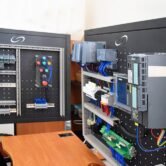
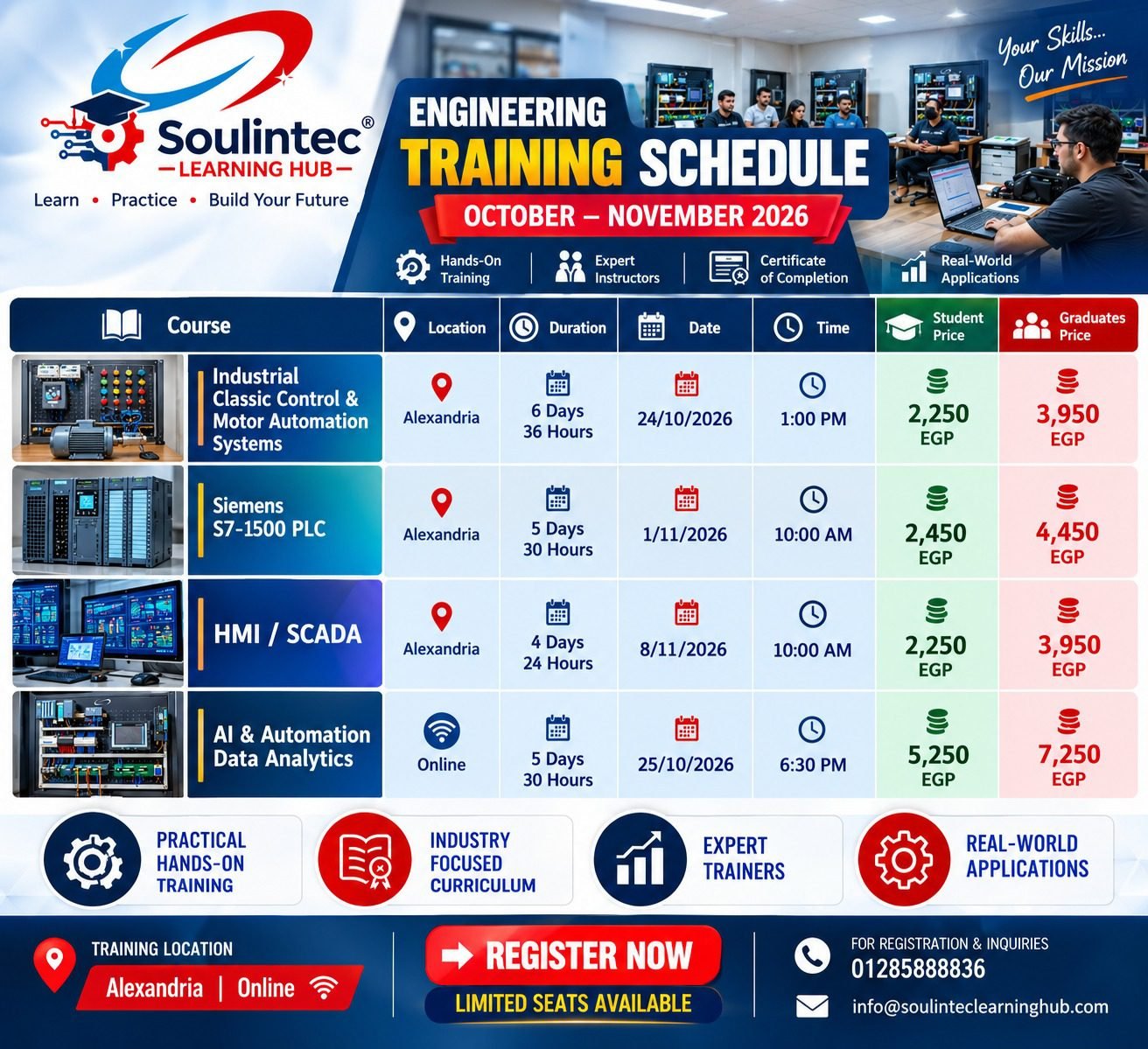
The PLC Programming & Industrial Automation course covers PLC fundamentals, hardware configuration, digital and analog I/O, Ladder Logic, timers, counters, motor control, communication basics, diagnostics, troubleshooting, and commissioning using industrial PLC training systems.
Depending on your current skill level, you can also strengthen your foundation through:
- Classic Control and Motor Automation — to understand electrical control circuits and motor operation.
- Industrial Wiring — to develop practical skills in electrical drawings, wiring, and PLC I/O connections.
- SCADA Systems Training — to progress toward industrial visualization, monitoring, and PLC-SCADA integration.
If you are an engineering student, fresh graduate, technician, or engineer looking to develop practical PLC programming skills, explore the training program and choose the learning path that matches your goals.
Soulintec Learning Hub — Real Labs. Real Equipment. Real Experience.
Explore the PLC Training Course
For course information and enrollment, contact Soulintec Learning Hub at 01285888836.